Image Hotspot Maker
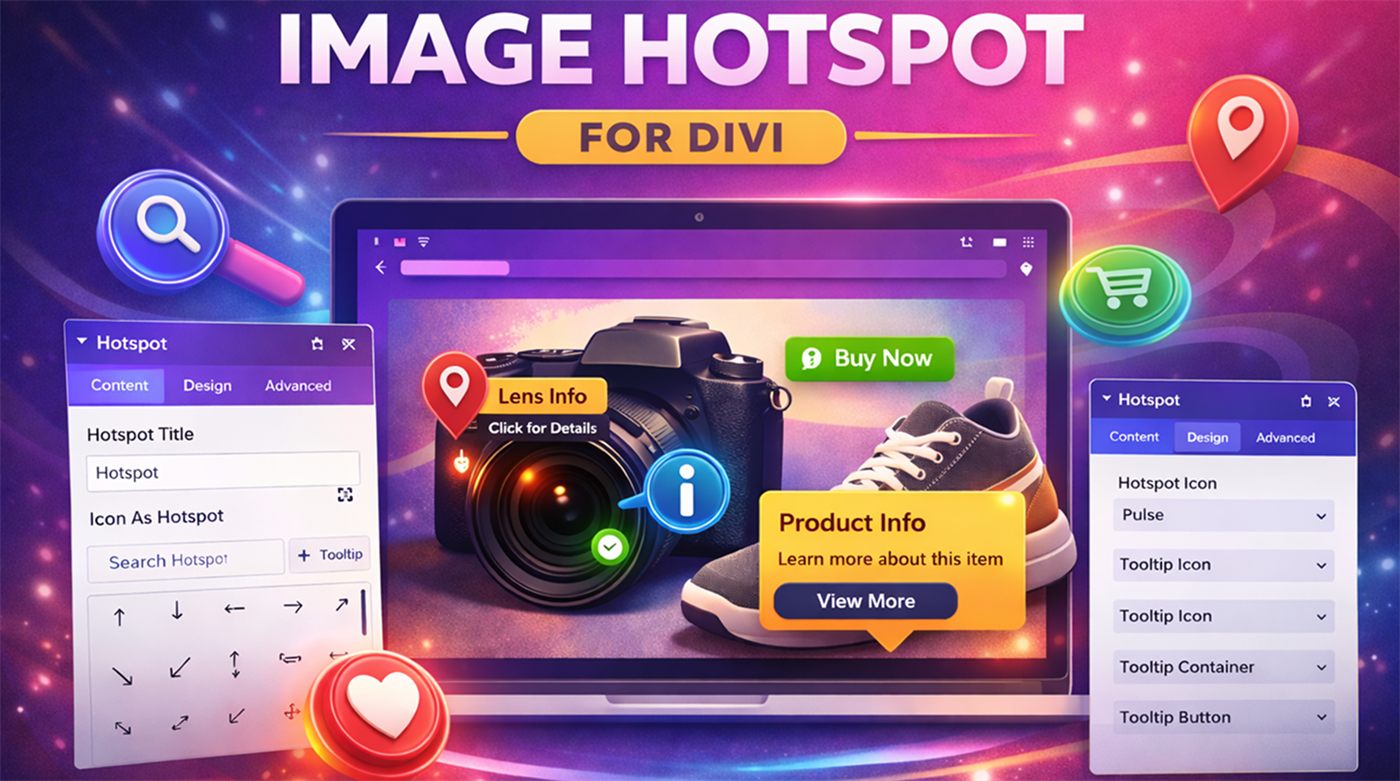
Create interactive images with fully customisable hotspots. Highlight product features, add rich tooltips and tell visual stories using click or hover interactions, right inside the Divi Visual Builder.
Click a hotspot. Then change the settings.
This demo behaves like the Divi module: choose the trigger, the tooltip animation and the pulse effect, just as you would in the module’s settings.
Mountain print
Image marker
Markers can be an icon or your own image, like this thumbnail.
See all featuresDesk lamp
$49
Adjustable arm and warm LED light. Tooltips can include prices, icons and buttons.
Add to cartCreator laptop
Featured
Every hotspot is a child module with its own marker, position and tooltip content.
See specsCeramic mug
$14
Position each hotspot with percentage values so it stays in place on every screen size.
Buy nowMonstera plant
Low maintenance
Style markers with colours, borders, shadows and an optional pulse animation.
Learn moreEverything you need to make images interactive
Professionally built for the Divi Visual Builder with real-time preview, responsive behaviour and extensive design controls. No custom code needed.
Unlimited hotspots
Add as many hotspot child modules as you need to a single image.
Click or hover
Choose how tooltips open, with smooth fade, zoom or slide animations.
Icon or image markers
Use any Divi icon or your own image, with an optional pulse (ripple) effect.
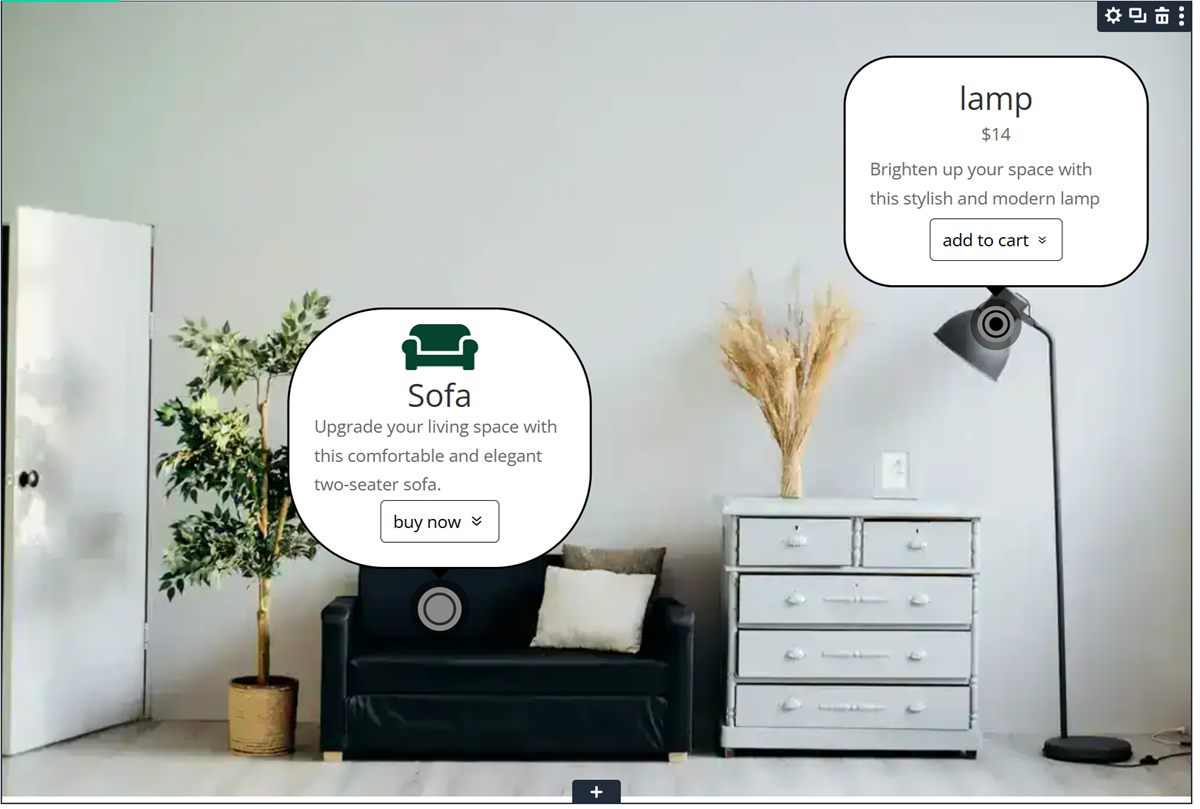
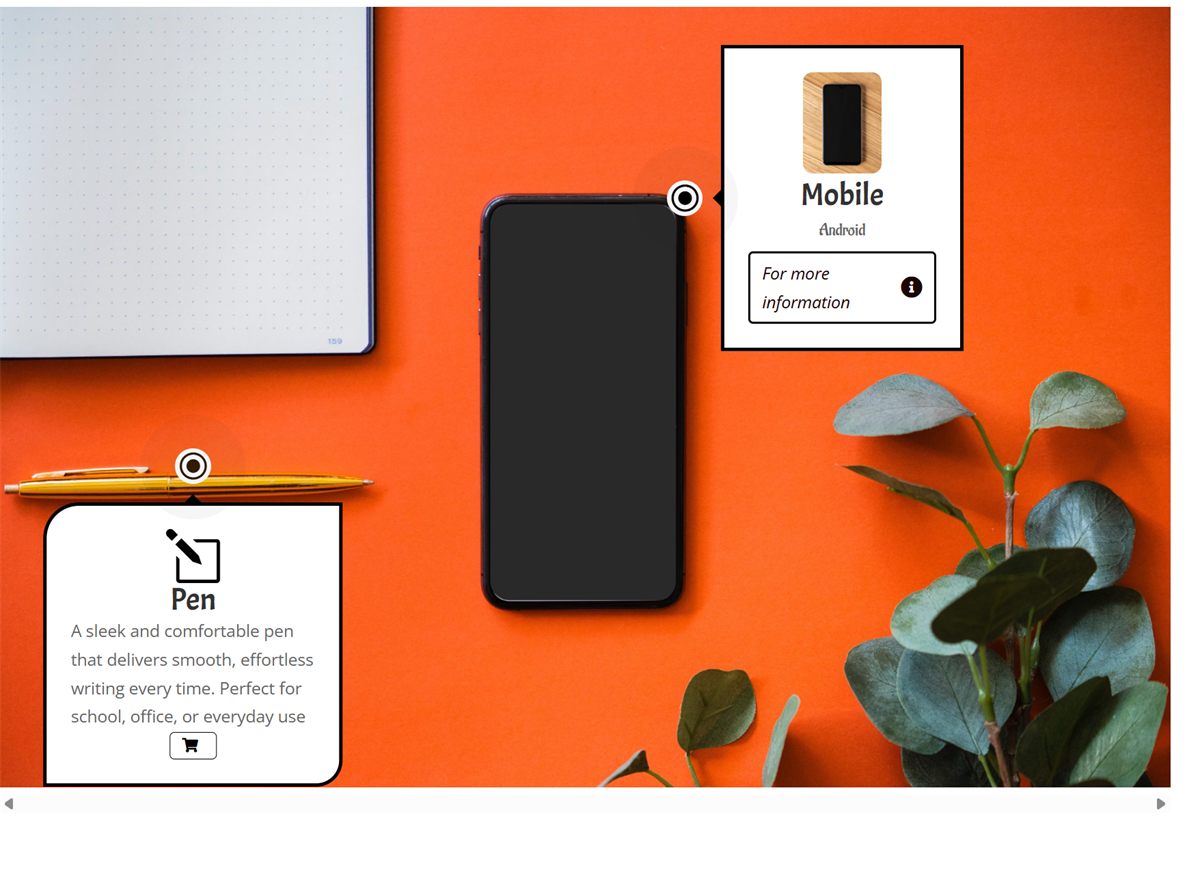
Rich tooltips
Combine images, icons, titles, subtitles, descriptions and buttons in each tooltip.
Responsive positioning
Percentage-based positions keep hotspots in place on desktop, tablet and mobile.
Full Design tab
Typography, spacing, borders, shadows and colours using Divi’s native design controls.
Live preview
Every interaction and design change shows in real time inside the Visual Builder.
Clean & fast
Lightweight JavaScript and CSS, clean HTML, and compatible with WordPress caching plugins.
A parent module for the image, a child module for each hotspot
The plugin follows Divi’s recommended parent–child module architecture, so your content stays organised and easy to edit.
- Image Hotspot (parent): holds the base image and the global settings: tooltip trigger and animation.
- Hotspot (child): one interactive point. Controls the marker, its horizontal and vertical position, and the tooltip content.
- Tooltip layout: top, bottom, left or right, with width, alignment and an optional pointer arrow.
Great for shops, guides and storytelling
- Highlight product features
- Create interactive infographics
- Annotate images and diagrams
- Display maps and floor plans
- Enhance marketing and landing pages
One small price, unlimited sites
Image Hotspot Maker
$9.90
One-time payment · GPL licence · Version 1.0.1
- Use on unlimited websites
- Unlimited hotspots per image
- 1 year of support and updates
- 30-day money-back guarantee
- Compatible with Divi 5
Secure checkout by Elegant Themes. Not compatible with Divi 4.
Frequently asked questions
Can I add unlimited hotspots?
Yes. You can add as many hotspot child modules as you need.
Are hotspots responsive on different screen sizes?
Yes. Hotspot positions use percentages, so they scale with the image on every device.
Does the module support live preview in the Visual Builder?
Yes. All interactions and design changes are visible in real time.
Does it work with Divi 4?
No. Image Hotspot Maker is built for Divi 5 only.
Will it slow down my site?
No. The frontend uses a small amount of JavaScript for interactions and CSS for positioning and animation, and it works with standard WordPress caching plugins.
Make your images interactive today
Get Image Hotspot Maker for $9.90 with unlimited site usage.